Live TV with an on-screen programme guide
Browse channels in a grid that shows what's on now and next, then open a channel straight from the guide. Channel lists and guide data are delivered by your provider.
IPTV player app · Android
SoPlayer is a free player app for live TV, films and catch-up from an IPTV service you already subscribe to. It has no channels of its own: you sign in with the provider ID and login your service gives you. This website covers the download, Firestick setup and the errors people hit.
What is SoPlayer
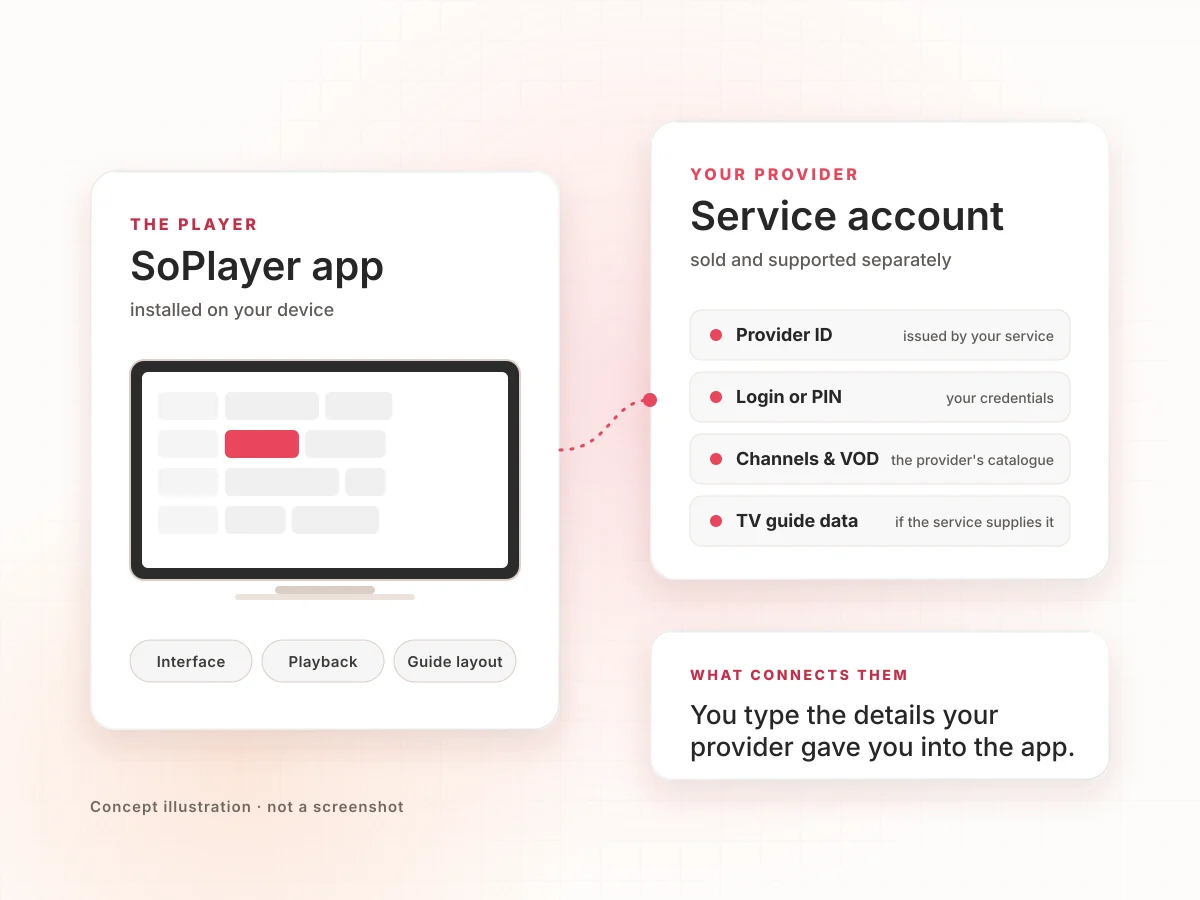
SoPlayer is a video player built for IPTV subscriptions. Download listings describe it as a customisable live-TV player and credit Devs4hire as the Android developer. The app handles the interface and playback. Everything you watch comes from your provider: the channels, the films, the guide data and the login.
That split explains most questions about SoPlayer. Prices, trials, channel line-ups and outages belong to the service. Several businesses also sell IPTV plans with "SoPlayer" in their name; they are separate companies, and this site isn't one of them.
Features
The bottom bar groups content into TV, Movies, Catch-up and a programme guide. What fills each section depends on your plan.
Browse channels in a grid that shows what's on now and next, then open a channel straight from the guide. Channel lists and guide data are delivered by your provider.
A Movies section lists on-demand titles when your plan includes them, so films and episodes sit beside live channels in one app.
Go back to programmes that already aired, on channels where your provider keeps recordings available.
One ID points the app at your service, so there's no playlist address to paste.
Sign in with a username and password or a PIN code, whichever your provider issues.
The app asks you to choose a light or dark interface on first launch.
The store listing highlights its codec playback. We haven't benchmarked it, so we make no speed claims.
How it works
The same path applies on phones, TV boxes and Fire TV. Only the install step differs.
Download the Android package and install it. On Fire TV you sideload it with Downloader.
Pick a light or dark look, choose Provider ID and type the number your service sent you.
Use your username and password, or the PIN code, from the same provider.
Move between TV, Movies, Catch-up and the guide. Content depends on your plan.
If step 2 or 3 fails, the cause is almost always on the provider side: a mistyped ID, an expired account or a server problem. See troubleshooting.
Use cases
Nearly everyone who looks for SoPlayer has been told to by their IPTV provider. These are the situations it fits.
Plug in a Fire TV Stick or Android box, sign in once, and use the remote to move through the guide.
Install on each device and sign in with the same details, within the number of connections your plan allows.
If your provider records channels, the Catch-up section lets you go back without a separate recorder.
The programme guide suits people who think "what's on at nine?" rather than remembering channel positions.
Providers often hand out short trial logins. Installing first lets you spend the trial watching, not setting up.
Compatibility
Status reflects public listings checked in November 2026. Where we couldn't verify something, we say so.
| Device | Status | Notes |
|---|---|---|
| Android phones & tablets | Supported · APK | Listings give Android 4.1 or later. Install outside the Play Store. |
| Android TV, Google TV & TV boxes | Supported · APK | Same APK. Use a file manager or Downloader; many TV browsers can't open APKs. |
| Amazon Fire TV & Firestick | Sideload only | Not in the Amazon Appstore. Install via Downloader; updates are manual. |
| Samsung smart TVs | Store listing | A SoPlayer app is listed in Samsung's US app store (updated Oct 2023). Check your TV's Apps section. |
| LG, Roku, other smart TVs | Not verified | We found no listing we could confirm. A Fire TV Stick or Android box is the reliable route. |
| iPhone, iPad, Apple TV | Not covered | This download is Android only. Search the App Store on your device. |
| Windows & macOS | No known build | We know of no desktop version. |
Release information
2.144.11
The version shown by Download.it, APKPure, FileHippo and Softonic. APKPure's only change note for it reads "hot fix for Android 8.0 devices" (November 2018). We found no newer public changelog, so we don't list features we can't confirm.
Some providers hand out their own builds with different version numbers. Read which SoPlayer version is the latest for how to check and update.
Download
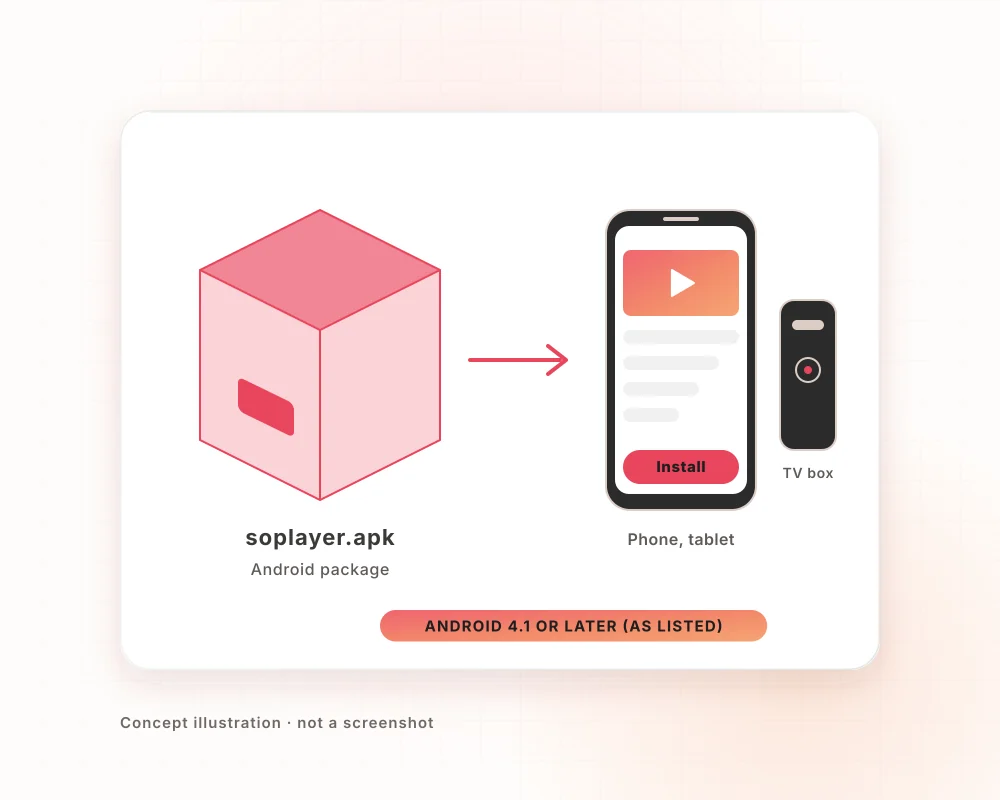
The SoPlayer APK for Android phones, tablets and TV boxes, also used for sideloading onto Fire TV. You'll need a provider ID and login from your IPTV service to watch anything.
Installation & setup
Two routes, depending on the device. Both end with the same sign-in.
Full step-by-step versions: Android install guide · Firestick install guide.
Pros and cons
Troubleshooting
Most faults sit with the service, not the app. Try another channel first; it tells you which side the problem is on.
| Symptom | Likely cause | What to try |
|---|---|---|
| Provider ID not accepted | Typo, or the ID changed or ended | Re-enter digit by digit; ask your seller to confirm the ID. |
| Login or PIN rejected | Wrong or expired credentials | Check capitals and spaces, then the subscription end date. |
| Buffering or freezing | Network, or busy provider servers | Try another channel, restart the router, use a cable or 5 GHz Wi-Fi. |
| Black screen, spinning circle | One stream down, or app cache | Play something else; force-stop; clear the app's cache. |
| Empty TV guide | Guide data not supplied or not loaded | Restart the app and wait; ask the provider about guide data. |
| App won't install | Unknown apps blocked, or an old copy conflicts | Allow installs for that app; uninstall the old copy first. |
| Error code on screen | Service-side codes aren't documented publicly | Send the exact code and time to your provider. |
More detail, in order of what to try: fixing SoPlayer when it stops working.
FAQ
Twenty answers in two groups. Use the arrow keys to move between questions.
SoPlayer (also written SOPlayer or SO Player) is a video player app for IPTV services. It shows live TV, films, catch-up and a TV guide from a subscription you already have. The app itself contains no channels.
No. Every channel, film and guide entry comes from the IPTV provider you sign in with. Store listings say the same: you need access from a service provider, who is also responsible for service quality.
It is a number that tells the app which IPTV service to connect to. You enter it first, then sign in with your username and password or a PIN code.
From the provider or reseller who sold you the subscription, usually in the welcome message. This site doesn't issue or list provider IDs, and IDs shared publicly online won't give you a working account.
The app is free to download. The IPTV service you use it with is paid separately, and its price is set by that provider.
Trials are offered by IPTV providers, not by the app. They often last around 24 hours and come with a temporary provider ID and login. Check the provider's terms before you sign up.
Yes, if your provider issues PIN codes. After the provider ID screen, the app offers username and password or PIN code sign-in. Use whichever your provider sent you.
The app holds one sign-in at a time. Sign out and sign in again to switch accounts. How many screens can watch at once is set by your provider's plan.
No. Jamzone is a backing-track music app by Recisio. SoPlayer is an IPTV player. They share no developer or features; the names are just searched together.
Using a player app is generally legal. Legality depends on the service you connect it to, so use SoPlayer only with a provider licensed to show its content in your country.
Our Download button links to Download.it, which lists SOPlayer 2.144.11 for Android, credited to Devs4hire. Other major hosts list the same version number.
Download listings give Android 4.1 or later as the requirement, so nearly all current phones, tablets and TV boxes qualify.
Yes, by sideloading. Install Downloader from the Amazon Appstore, allow it to install unknown apps in Developer options, then download and install the APK.
It simply isn't listed there, so Fire TV owners sideload it. That also means it won't update automatically; you install new versions yourself.
Sideloaded files aren't reviewed by an app store, so check them yourself: use a known host, confirm the app name and package (com.soplayer.android), review permissions and let your security app scan it.
The download here is for Android only. We couldn't confirm a current SoPlayer listing in Apple's App Store, so search the App Store on your device rather than relying on third-party claims.
Samsung's US app store lists a SoPlayer app (updated October 2023). Availability can vary by country and model, so check the Apps section on your TV.
We know of no desktop version. The app is distributed for Android, and a TV listing exists for Samsung. On a computer, follow your provider's own advice.
Re-enter it carefully, digit by digit. If it still fails, the ID may have changed or the subscription may have ended, which only your provider can fix.
Download the newer APK and install it over the old app. If Android reports a conflict, uninstall first, then install. Keep your provider ID and login handy in case you need to sign in again.