Two questions, not one
SoPlayer itself is a player. It doesn't contain channels. So the safety question splits in two: is this particular file trustworthy, and is the service behind it legitimate?
Is the APK safe to install?
On Android and Fire TV the app is usually sideloaded, which means no app store has reviewed the copy you install. Independent sites have pointed out that because SoPlayer isn't in the Amazon Appstore, its security can't be independently verified. That's not proof of a problem; it means you carry the job of checking.
The bigger practical risk is a look-alike: a file named SoPlayer that is something else, or a modified copy. Download hosts publish details you can compare. FileHippo, for example, lists the file name soplayer.apk, version 2.144.11 and a SHA-1 checksum for its copy; other hosts may serve a file with different details.
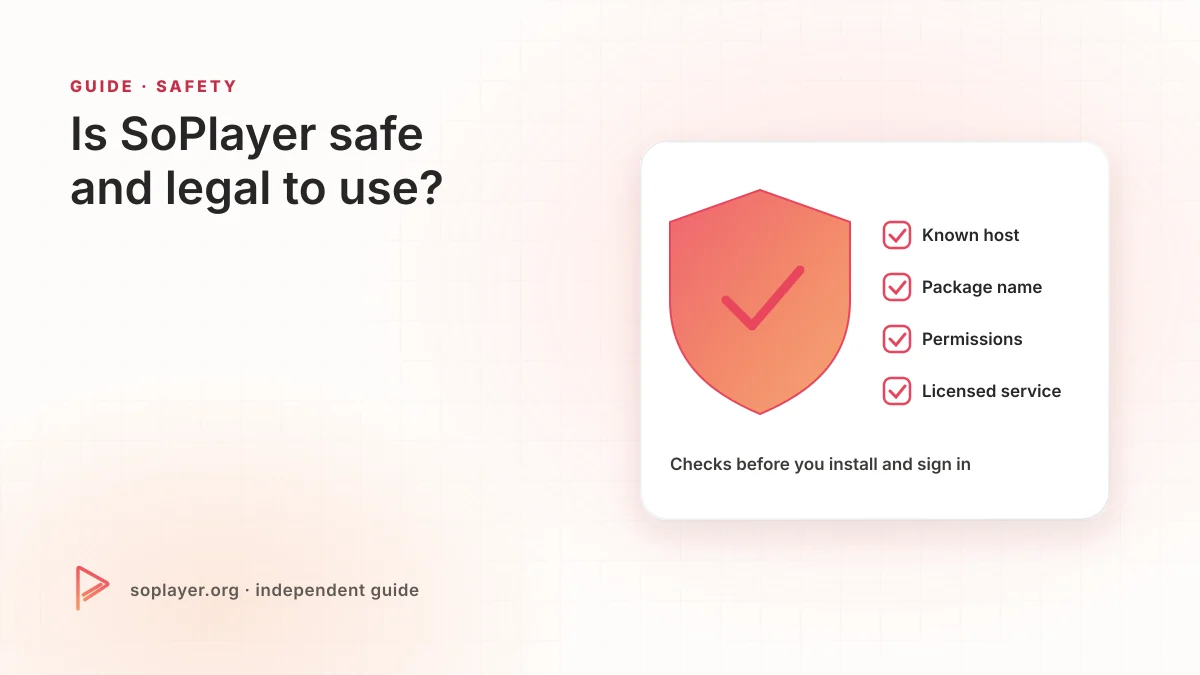
A checklist before installing
- Download from a host you recognise, not from a link in a random comment or message.
- Check the installer shows the name SOPlayer and the app info shows the package
com.soplayer.android. - Read the permissions it requests. A video player shouldn't need your contacts or SMS.
- Let Google Play Protect or your security app scan it.
- Turn off the unknown-apps permission afterwards.
- Never type payment card details into the app. Payments are between you and your provider.
Is it legal?
Using a video player app is generally legal. What can make IPTV illegal is the source: a service that streams channels without the rights to do so in your country. We aren't lawyers, and the rules differ by country, but the practical test is simple. A legitimate provider can tell you which broadcasters it is licensed by, has a real business identity and charges prices in line with the channels it offers.
Use SoPlayer only with a service that is licensed to provide its content where you live. This site doesn't recommend, sell or link to any IPTV service.
Your details and privacy
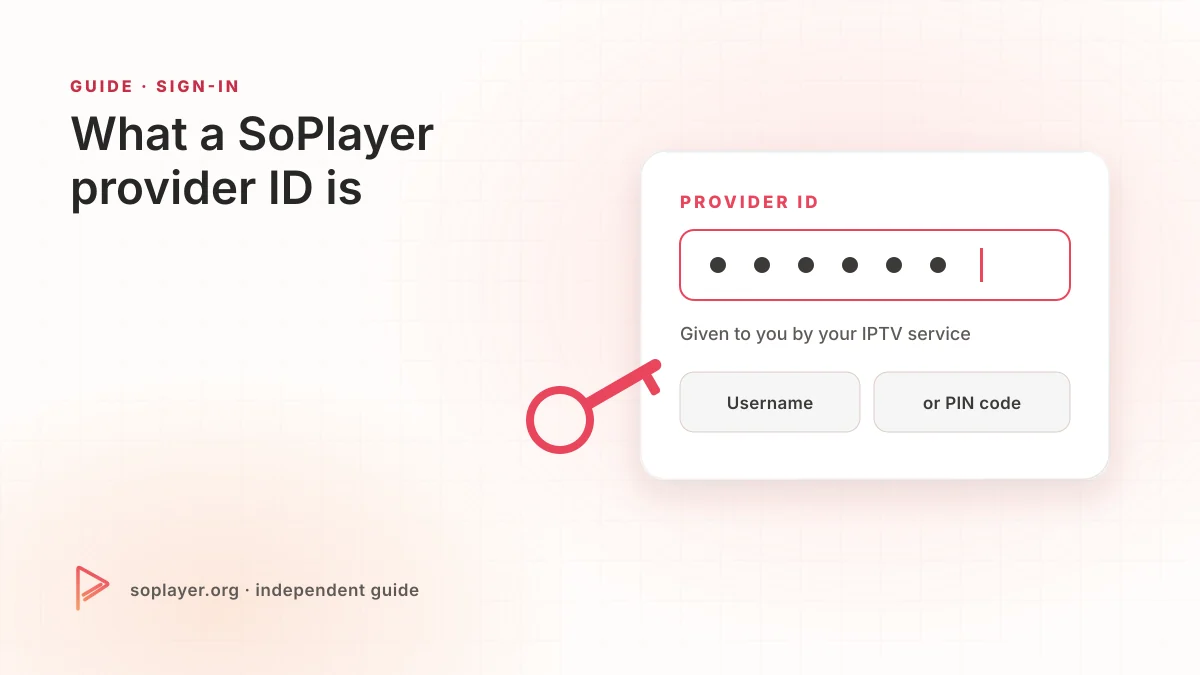
Your provider ID and login identify you to your provider, so treat them like a password. Don't post them in forums when asking for help. If a provider stops responding or vanishes, assume its systems are no longer looked after and stop using the same password elsewhere.
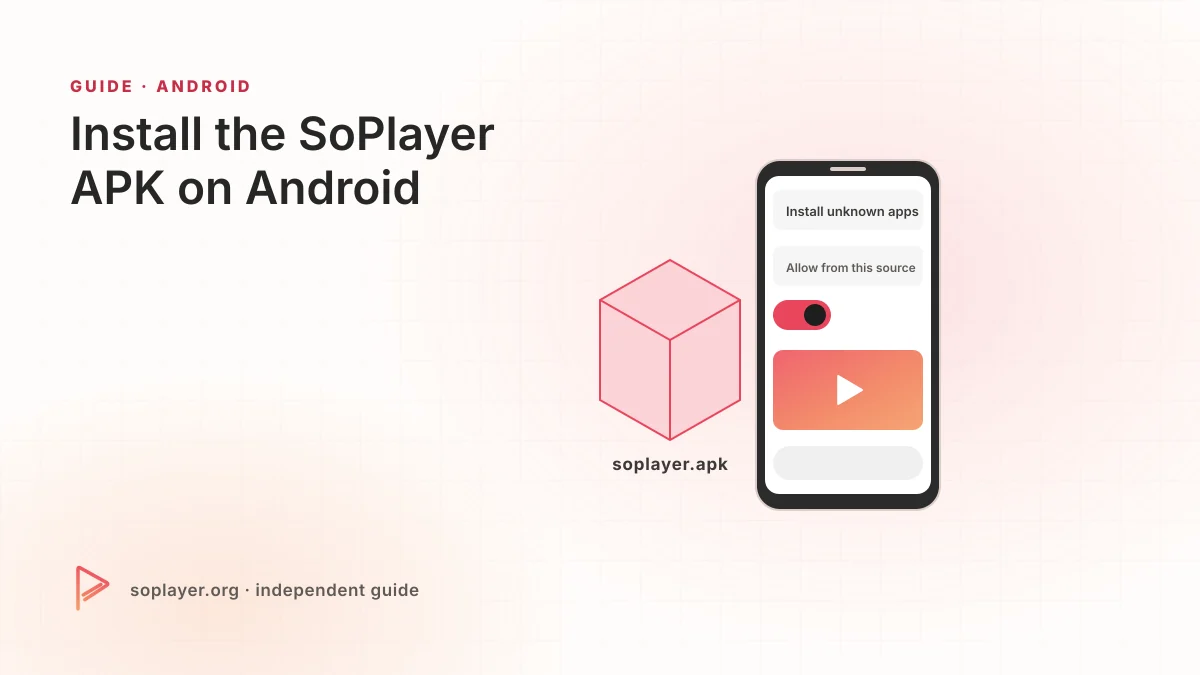
For setup help that keeps these risks in mind, see installing the APK on Android.
Ready to install? The APK link, version details and a safety note are in one place on the homepage.
Download Now