What you need
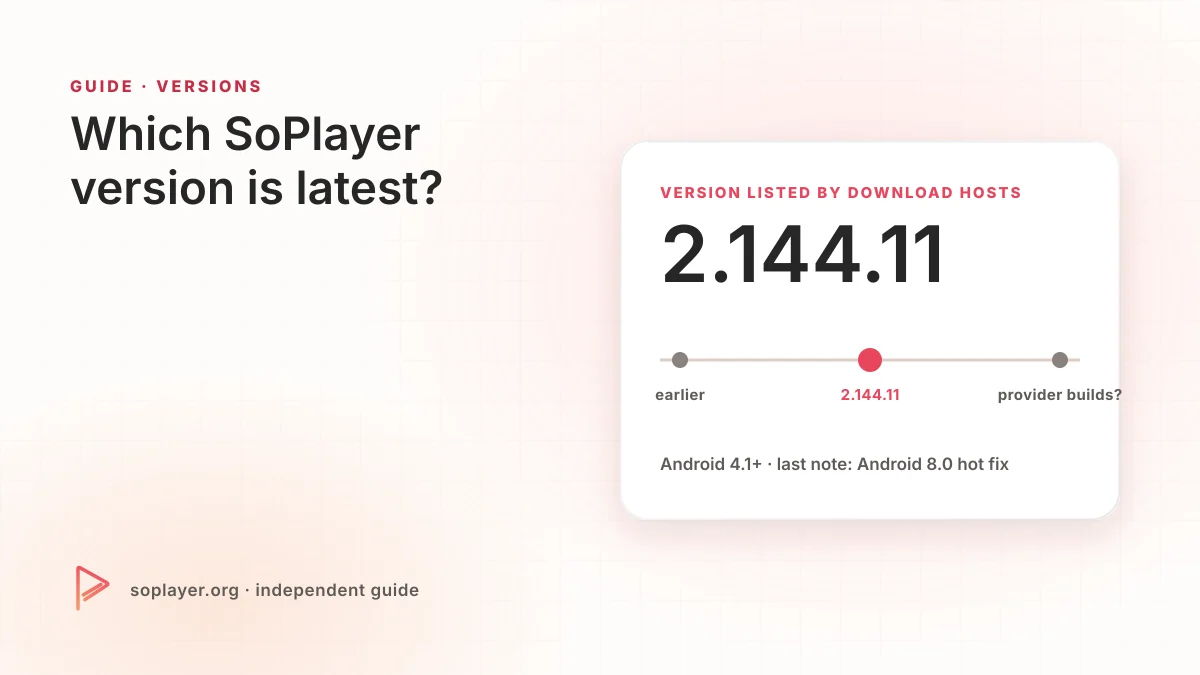
Download listings for the SoPlayer APK (version 2.144.11) give Android 4.1 or later as the requirement and list the package name com.soplayer.android. Almost every phone, tablet and TV box still in use meets that. You also need the provider ID and login from your IPTV service; the app does nothing useful without them.
The unknown-apps permission
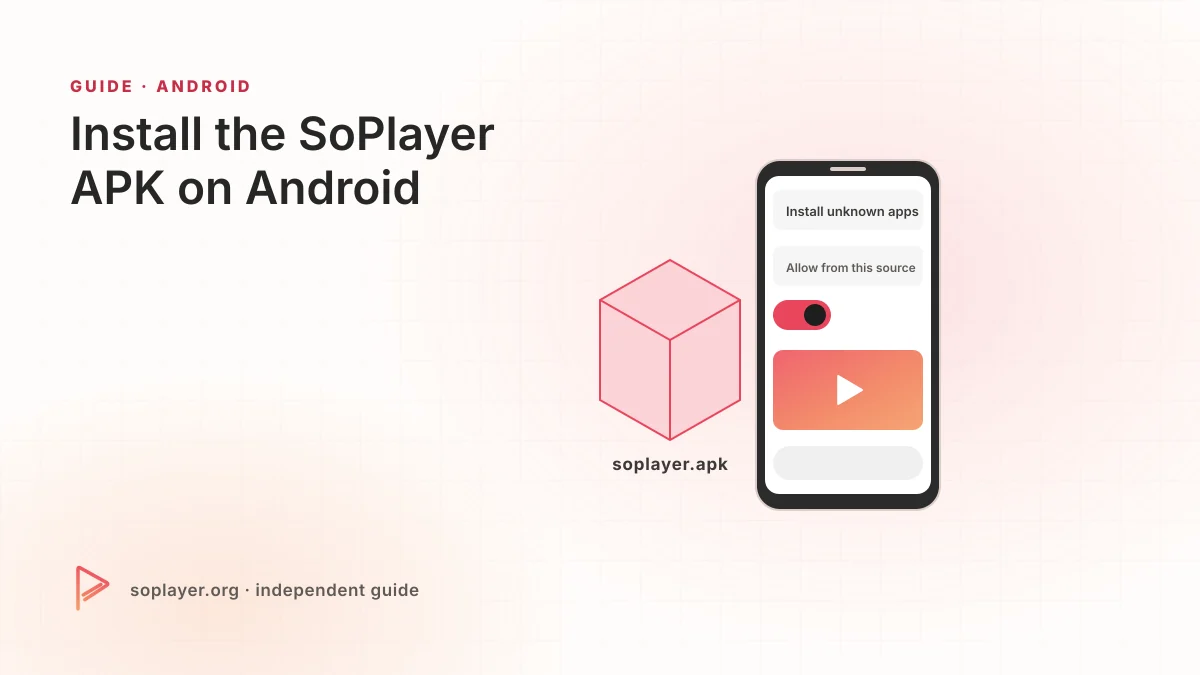
Since Android 8, permission to install apps from outside the Play Store is given per app. You allow the browser or file manager that opens the APK, not the whole phone. The exact menu path depends on your phone's brand:
| Phone | Usual path |
|---|---|
| Stock Android / Pixel | Settings › Apps › Special app access › Install unknown apps |
| Samsung (One UI) | Settings › Apps › ⋮ › Special access › Install unknown apps |
| Older Android (7 and below) | Settings › Security › Unknown sources |
Most phones also offer a shortcut: when you open the APK, Android shows a prompt with a Settings button that goes straight to the right switch.
Installing the APK
- Open the Download section on this site and tap Download SoPlayer. The file comes from a third-party host.
- If Chrome warns that the file type can harm your device, tap Download anyway only if you are happy with the source.
- Open the file from the download notification or your Downloads folder.
- Allow installs for your browser when prompted, then go back and tap Install.
- Tap Open, pick a light or dark look, and enter your provider ID.
Google Play Protect may scan the app or show a warning because it isn't from the Play Store. Read the warning rather than dismissing it automatically. If it says the app is harmful, don't install it.
Android TV and TV boxes
On Google TV and Android TV boxes, use a file manager or the Downloader app to fetch the APK, because many TV browsers can't open APK files. The permission lives under Settings › Device Preferences › Security & restrictions › Unknown sources on most Android TV builds. The Firestick guide shows the Downloader route in detail; it works the same on Android TV.
A remote is enough to use SoPlayer on a TV, but typing a long provider ID is quicker with the phone keyboard if your box supports Google's remote app.
After installing
- Turn the unknown-apps permission back off for the browser you used.
- Delete the APK file from Downloads; it isn't needed once installed.
- Remember that this copy won't update itself. Read which SoPlayer version is the latest before reinstalling.
Ready to install? The APK link, version details and a safety note are in one place on the homepage.
Download Now