Before you start
Fire TV devices run Fire OS, which is built on Android, so the SoPlayer APK installs on them. Guides for FireStick Lite, FireStick 4K, FireStick 4K Max and the Fire TV Cube all follow the same steps. You will need:
- A Fire TV device connected to the internet.
- Your provider ID and login from your IPTV service. Without them the app opens but shows nothing.
- About ten minutes.
Install Downloader
- On the Fire TV home screen, open Find › Search.
- Type Downloader and select the app by AFTVnews.
- Select Get or Download, then open it once it installs. Allow the storage permission it asks for.
Allow unknown apps
Fire OS blocks apps from outside the Appstore until you allow a specific app to install them.
- Go to Settings › My Fire TV.
- If you don't see Developer options, open About, highlight your device name and press the select button seven times. A message confirms developer mode.
- Back in My Fire TV › Developer options › Install unknown apps, switch Downloader on.
Switch this permission off again after installing SoPlayer. You only need it while installing.
Download and install SoPlayer
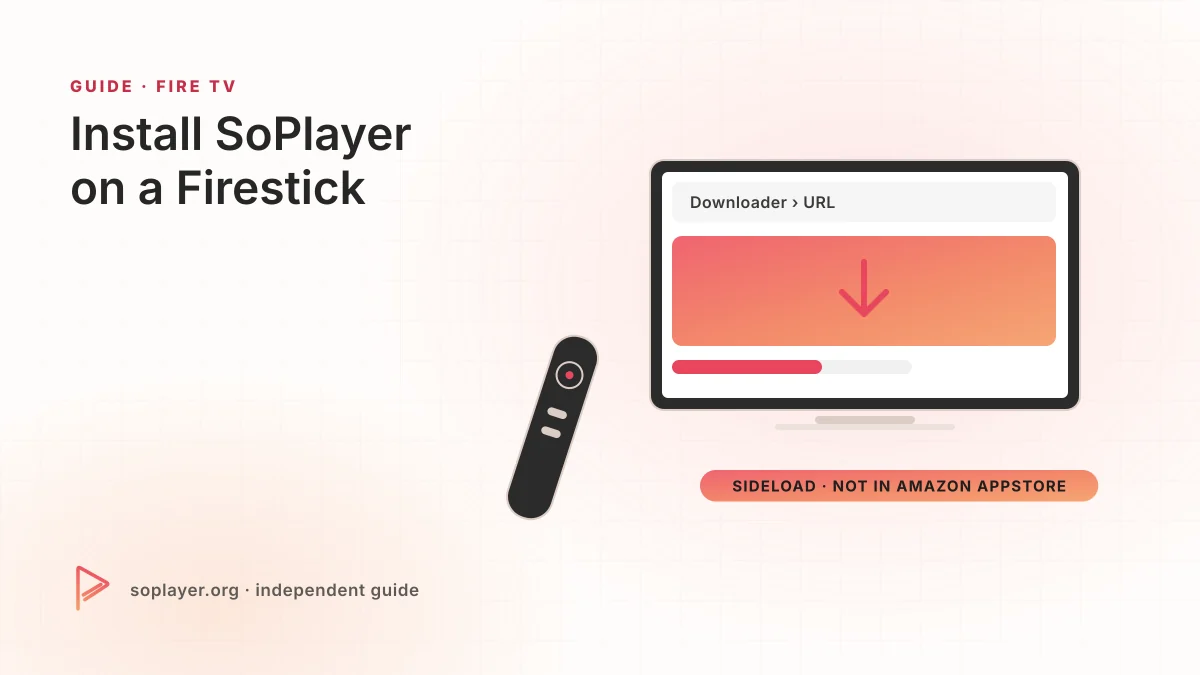
- Open Downloader and select the address field.
- Type
soplayer.organd select Go. This opens this site in Downloader's built-in browser. - Scroll to the Download section and select Download SoPlayer. The APK is fetched from the third-party host we link to.
- When the installer appears, select Install, then Done.
- Downloader offers to delete the APK file. Choose Delete to free space; the app stays installed.
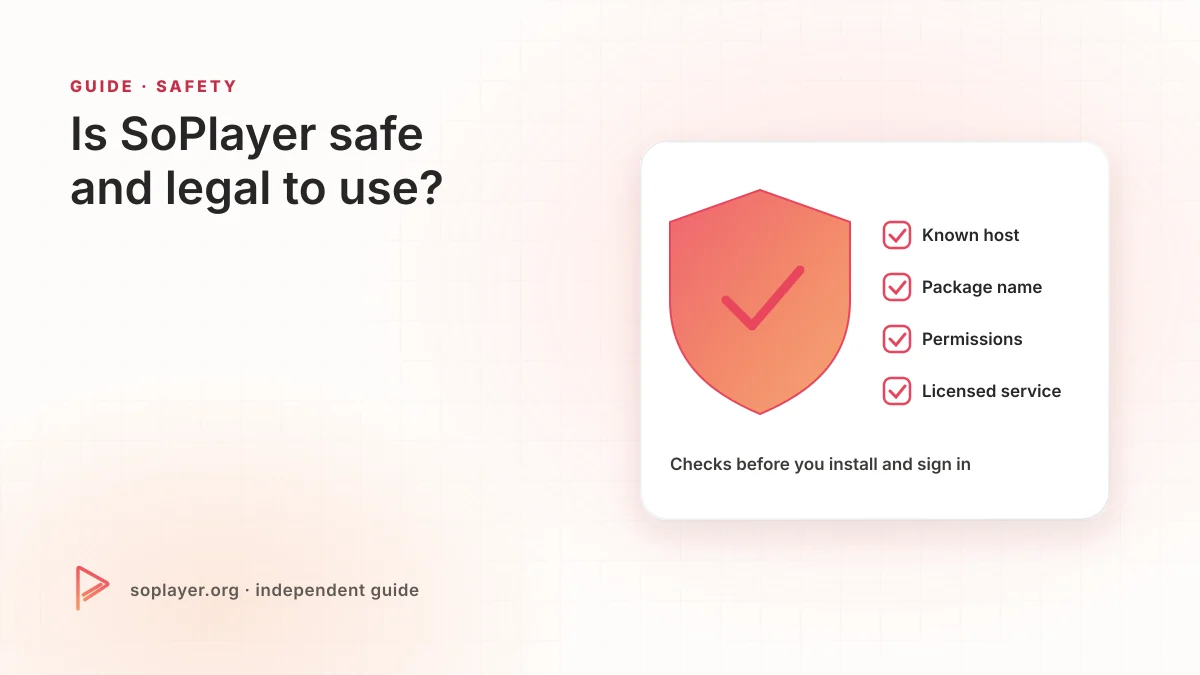
If your provider gave you its own download address or Downloader code, you can type that instead. Only do so if you trust the source; the safety guide explains what to check.
First run and sign-in
SoPlayer appears under Your Apps & Channels. Hold the menu button on it to move it to the front row. On first launch:
- Pick the light or dark look.
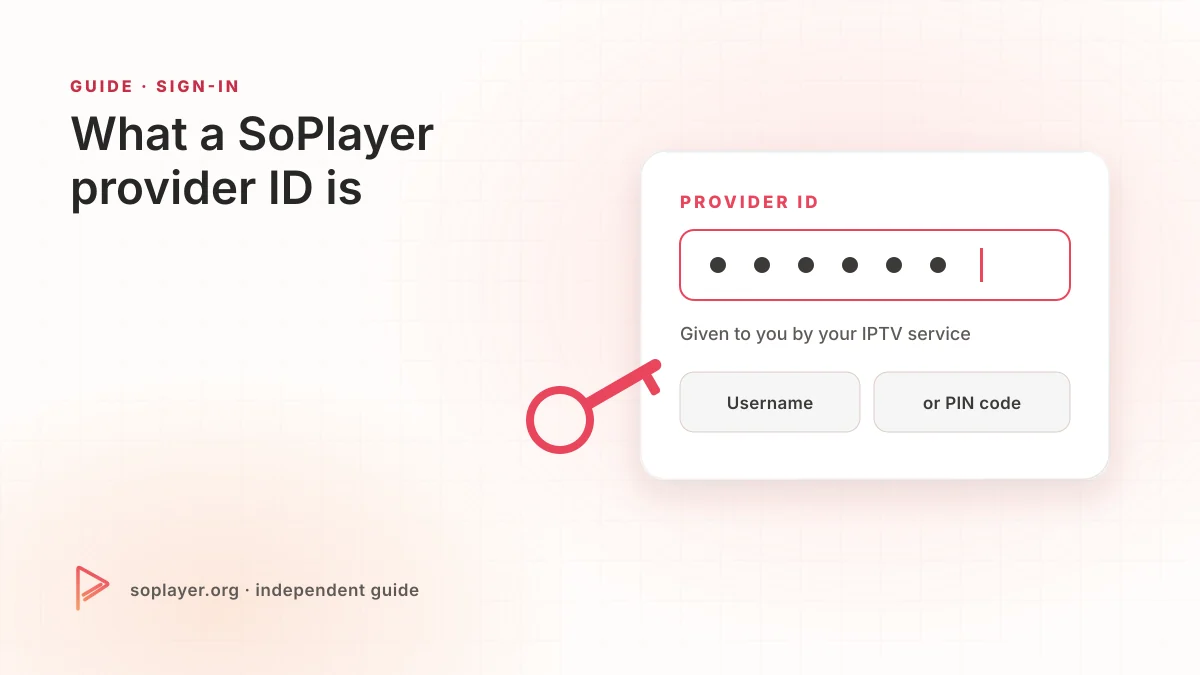
- Choose Provider ID and enter the ID from your provider, then Submit.
- Sign in with your username and password, or your PIN code.
The bottom bar then shows sections such as TV, Movies, Catch-up and the guide, depending on what your service offers. See what the provider ID is if that step stops you.
Updating later
Sideloaded apps don't update through the Appstore. To update, repeat the download steps and install over the existing app. If the install fails, uninstall SoPlayer first under Settings › Applications › Manage Installed Applications, then install again. You may need to re-enter your provider ID afterwards.
Ready to install? The APK link, version details and a safety note are in one place on the homepage.
Download Now