What the download hosts list
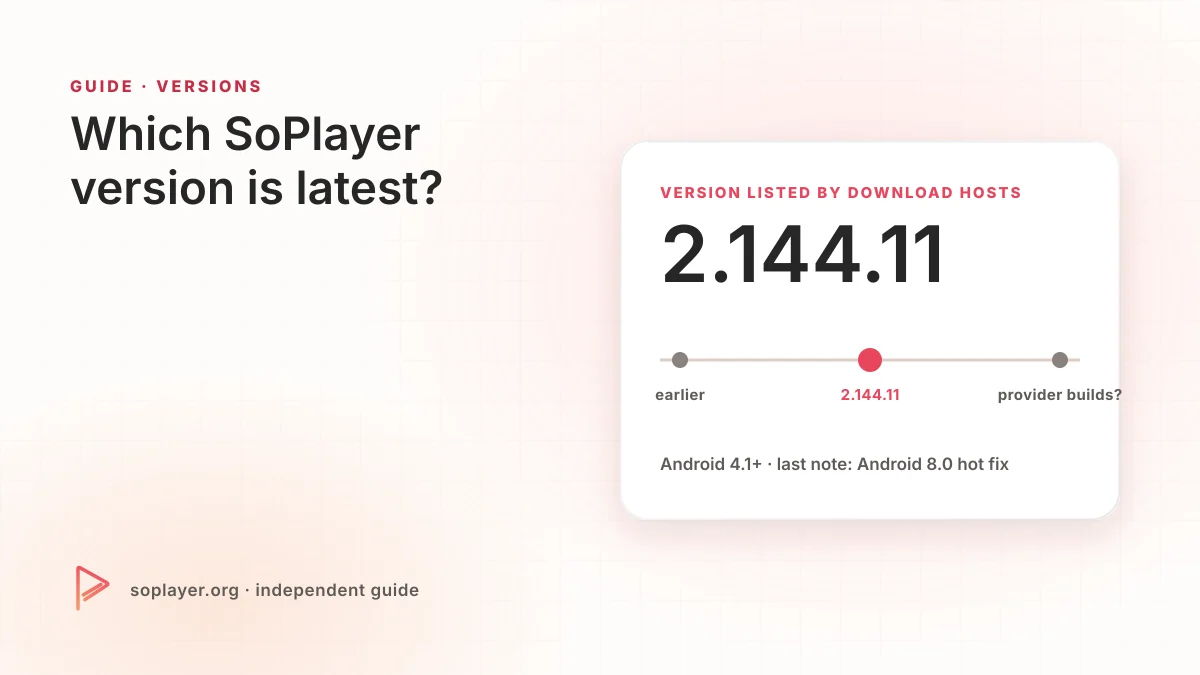
Download.it, APKPure, FileHippo and Softonic all list the Android app as SOPlayer 2.144.11, free, credited to Devs4hire, needing Android 4.1 or later. APKPure's change note for that release reads "hot fix for Android 8.0 devices", dated November 2018. Samsung's TV app store has its own SoPlayer listing, updated in October 2023.
| Source | What it shows |
|---|---|
| Download.it (our download link) | Version 2.144.11, free, Android |
| APKPure | 2.144.11, Android 4.1+, note: Android 8.0 hot fix |
| FileHippo | 2.144.11, Android 4.1, file soplayer.apk |
| Samsung TV app store (US) | Separate TV listing, updated 25 Oct 2023 |
We have found no public changelog beyond that note, and no developer site that publishes release notes. We don't guess at features in versions we can't verify.
Checking the version you have
- Android phone or tablet: Settings › Apps › SOPlayer. The version is shown at the bottom of the app info page (sometimes under "Advanced").
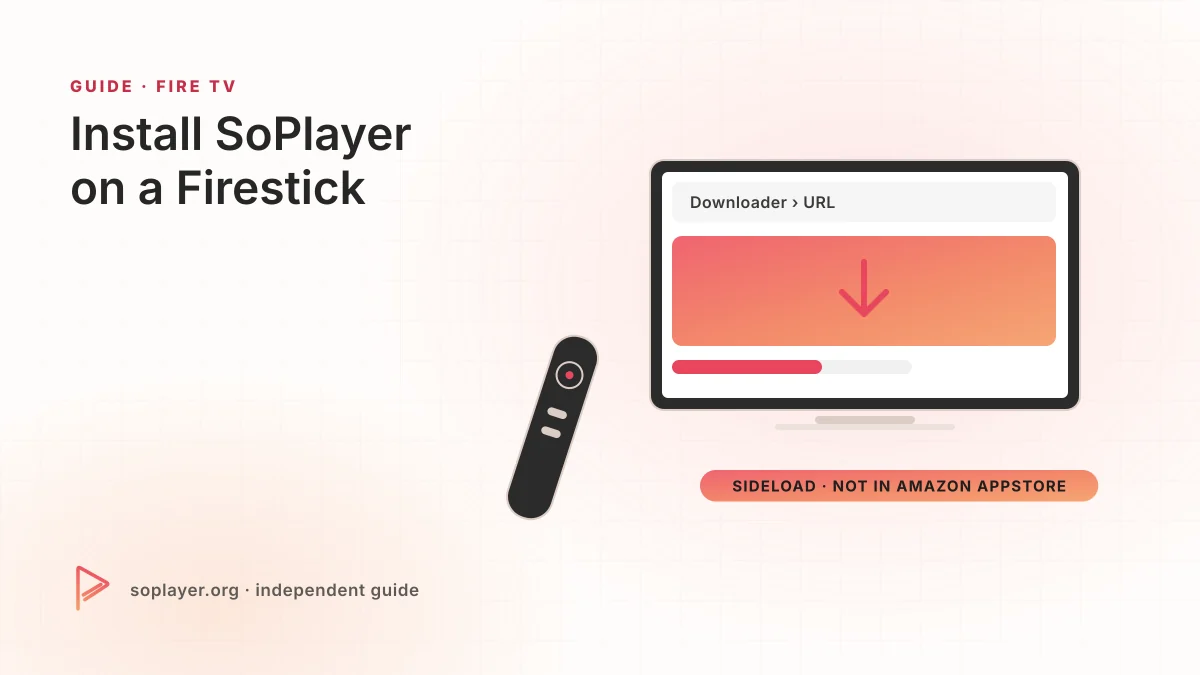
- Fire TV: Settings › Applications › Manage Installed Applications › SOPlayer. The version is shown on that screen.
Provider builds and other numbers
Some IPTV services give customers their own download link or Downloader code. Those files may be newer builds, rebranded builds, or a different app under a similar name. You can't tell from the name alone. Check the installer's app name and, once installed, the version and package name on the app info screen. If the provider's build behaves differently from what this site describes, follow the provider's instructions, since they support it.
Updating safely
- Write down your provider ID and login first. Updates can clear saved details.
- Download the new APK from a source you trust.
- Install it over the existing app. If Android says the package conflicts, the new file is signed differently: uninstall the old app, then install.
- Sign in again if asked.
Is an older version a problem?
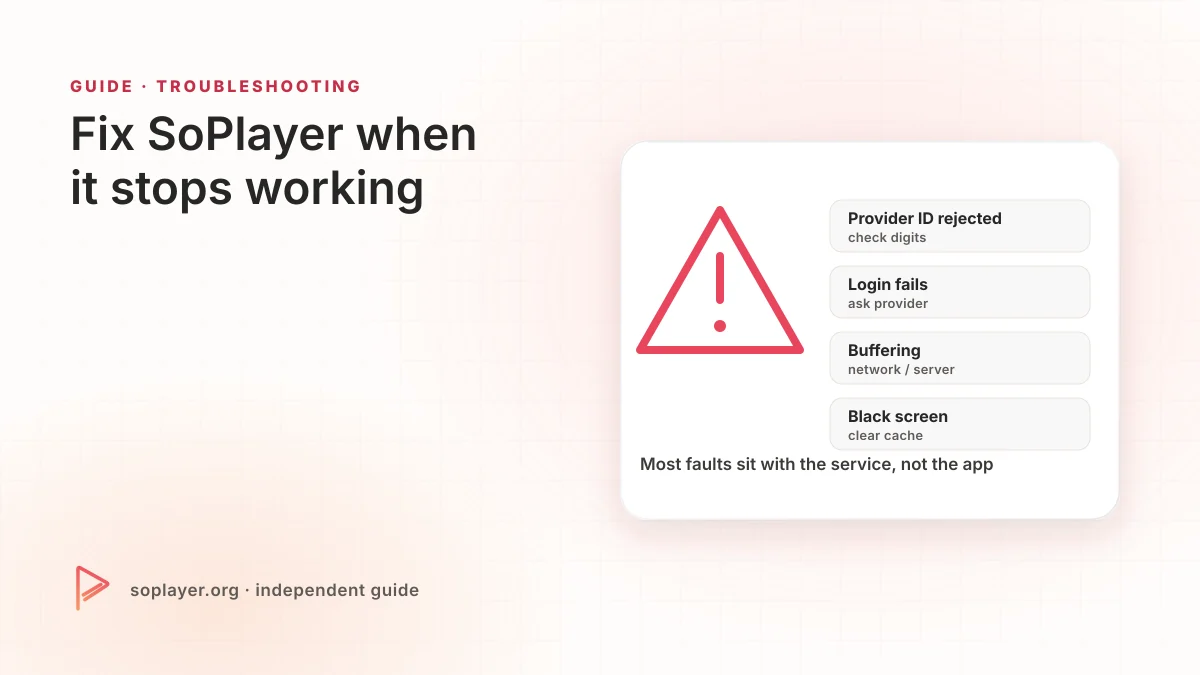
An app last listed in 2018 can still install and run on current devices, and many people use it daily. The trade-off is that it won't have fixes made after that date, and very new Android versions may warn that it was built for an older Android. If the app installs and plays, the version is rarely the cause of problems; the troubleshooting guide shows where faults usually come from.
Ready to install? The APK link, version details and a safety note are in one place on the homepage.
Download Now