Find where the fault is
SoPlayer only displays what your IPTV service sends. Before changing settings, answer three questions:
- Does every channel fail, or only some? Only some points at the service.
- Do other apps on the same device stream fine? If not, it's your network.
- Did anything change: an app update, a new router, a renewal date?
Provider ID and login problems
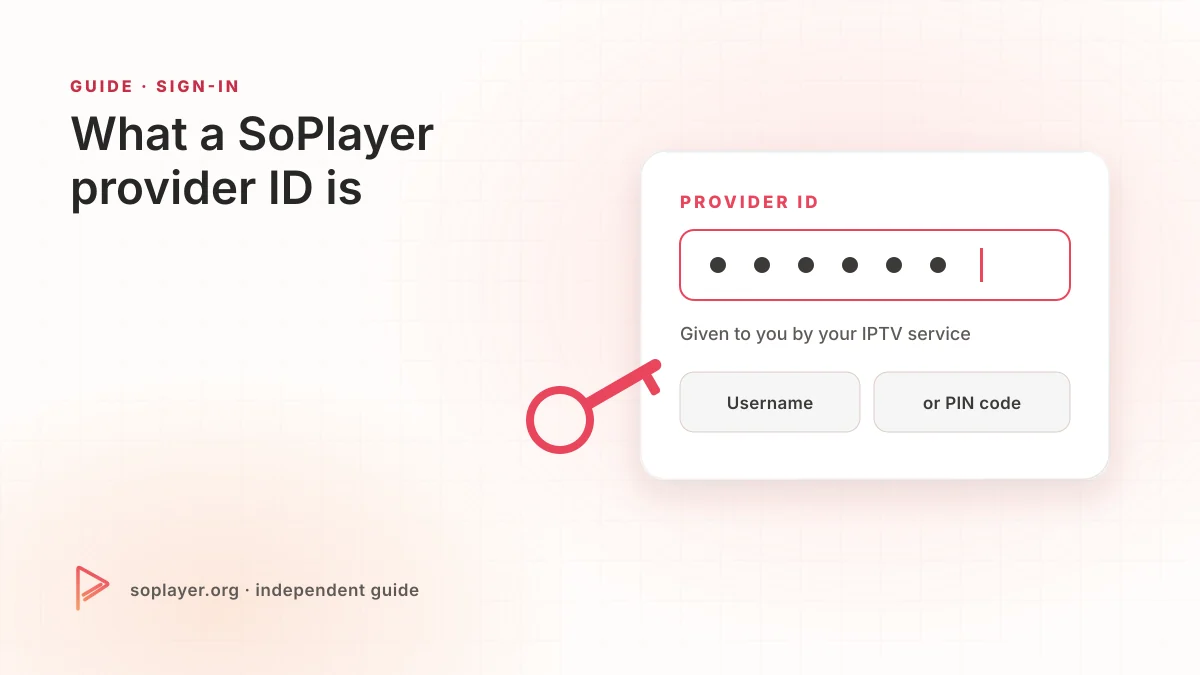
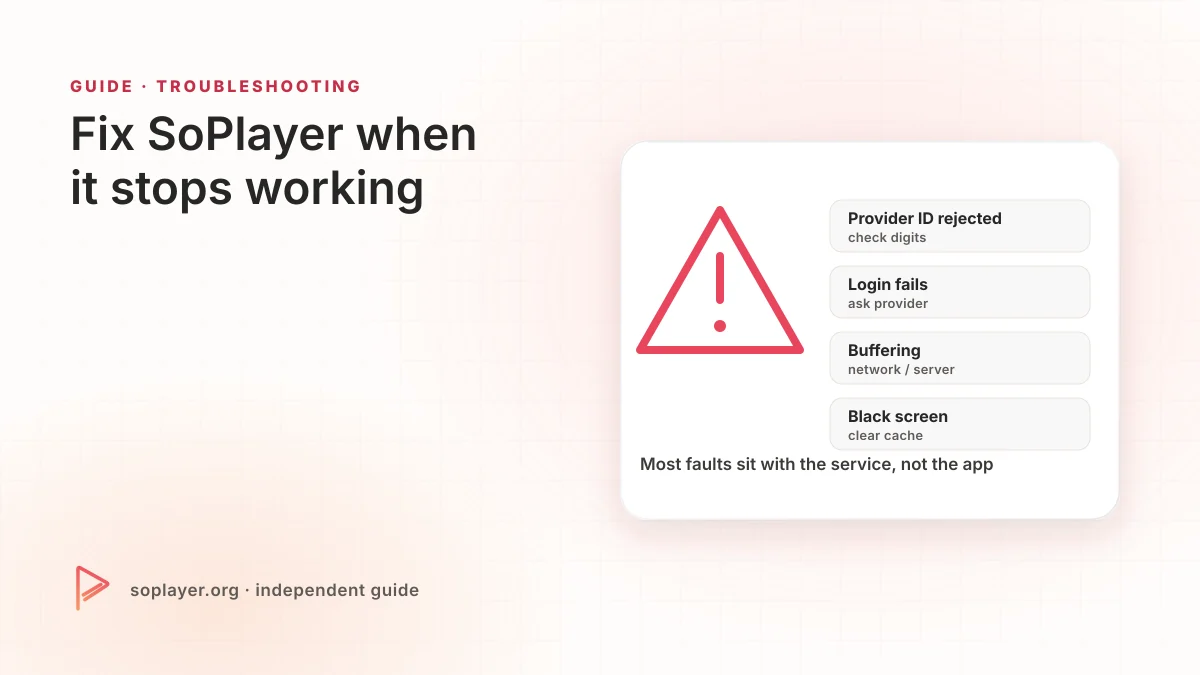
- Provider ID not accepted: retype it digit by digit. If it still fails, ask your seller whether the ID changed. See our provider ID guide.
- Login or PIN rejected: check for a capital letter or extra space. Then check the subscription end date; expired accounts are the most common cause.
- Details vanished after an update: sign in again with the same details.
Buffering and freezing
- Change to a different channel. If that plays smoothly, the first stream is the problem.
- Restart the device and the router.
- Use a cable or 5 GHz Wi-Fi for TV boxes; Firesticks benefit from an Ethernet adapter.
- Close other apps that stream or download at the same time.
- If it only happens at peak evening hours, the provider's servers may be overloaded. Tell them.
Black screen or endless spinner
Users describe pressing a film and getting a black screen with a turning circle. Try in this order:
- Play something else to rule out one broken stream.
- Force-stop the app (Settings › Apps › SOPlayer › Force stop) and reopen it.
- Clear the cache (same screen › Storage › Clear cache). This keeps your sign-in.
- Reinstall the app if nothing plays at all.
Empty TV guide
Guide data comes from your provider. If the grid is empty, restart the app and give it a minute to load. If channels play but the guide stays empty, the provider isn't supplying guide data for those channels.
Error codes
Some users see short codes on screen (one often searched is "ec21"). Their meaning isn't documented publicly, and from user reports they relate to the service rather than to the app. Send the exact code and the time it appeared to your provider; they can see what happened on their side.
Last resort: reset the app
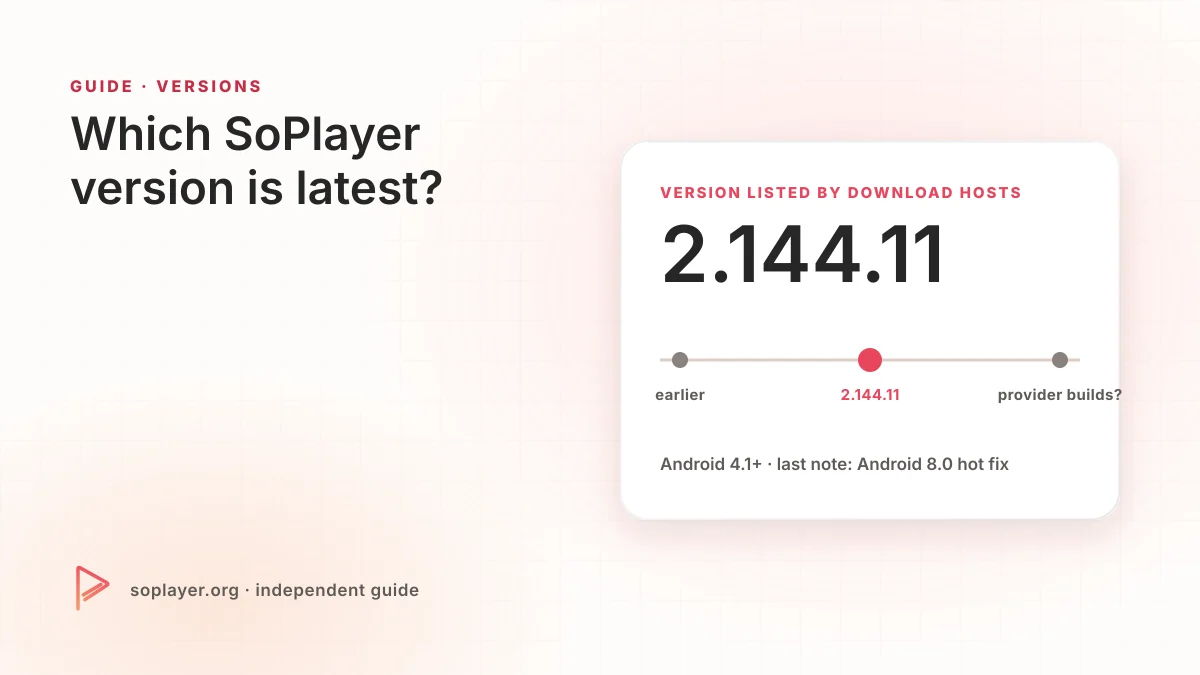
Clear the app's storage (Settings › Apps › SOPlayer › Storage › Clear data) or uninstall and reinstall it. This removes your sign-in, so have your provider ID and login ready. If you reinstall, check which version you're installing.
Ready to install? The APK link, version details and a safety note are in one place on the homepage.
Download Now