It depends on the TV's system
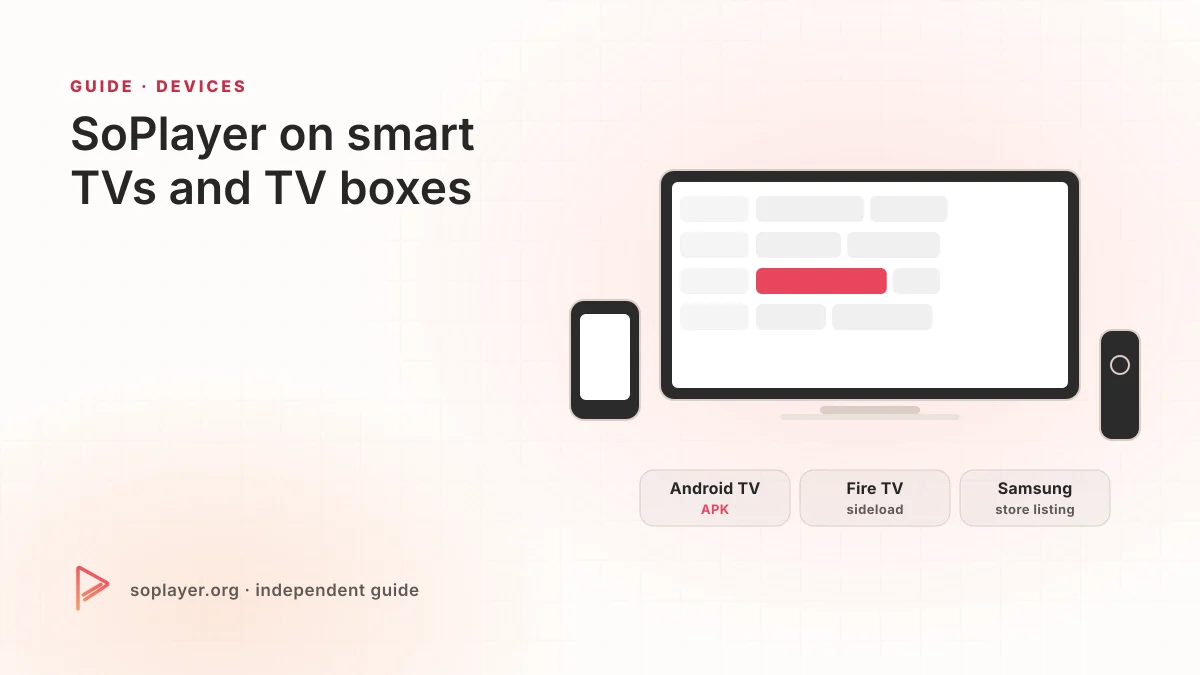
A smart TV is really a computer running one of a few operating systems. SoPlayer's Android APK runs on systems built on Android. Other systems need their own version of the app in their own store.
| System | Found on | SoPlayer |
|---|---|---|
| Android TV / Google TV | Sony, some TCL, Philips and Hisense models, TV boxes | Install the APK |
| Fire OS | Firestick, Fire TV Cube, Fire TV sets | Sideload the APK |
| Tizen | Samsung | A SoPlayer listing exists in Samsung's US app store |
| webOS, Roku OS, tvOS | LG, Roku, Apple TV | Not verified by us |
Android TV and Google TV
These install the same APK as phones. Many TV browsers can't open APK files, so use a file manager or the Downloader app, allow unknown sources for it, and install. Full steps are in the Android guide's TV box section.
Fire TV
Fire TV devices aren't served by the Amazon Appstore for this app, so you sideload it with Downloader. Our Firestick guide walks through it, including the hidden developer menu on newer Fire OS versions.
Samsung smart TVs
Samsung's US app store page lists an app called SoPlayer in the Videos category, free, last updated on 25 October 2023, with the same description as the Android listing: a player that needs a provider ID and login from your service provider. Availability can differ by country and TV model, so search for it in the Apps section on your TV. We can't confirm it appears in every region. The download on this site is the Android APK and won't install on a Samsung TV.
LG, Roku, Apple TV and others
We couldn't verify an official SoPlayer app in the LG Content Store, the Roku Channel Store or the Apple TV App Store. Search your TV's own store; if it isn't there, the reliable route is a Fire TV Stick or an Android TV box plugged into the TV. Be wary of sites that claim to install Android APKs directly onto TVs that don't run Android.
Typing with a remote
Entering a provider ID and password with a remote is slow and error-prone. Some tips:
- On Google TV, use the phone remote in Google's TV or Home app as a keyboard.
- On Fire TV, the Fire TV app on your phone also offers a keyboard.
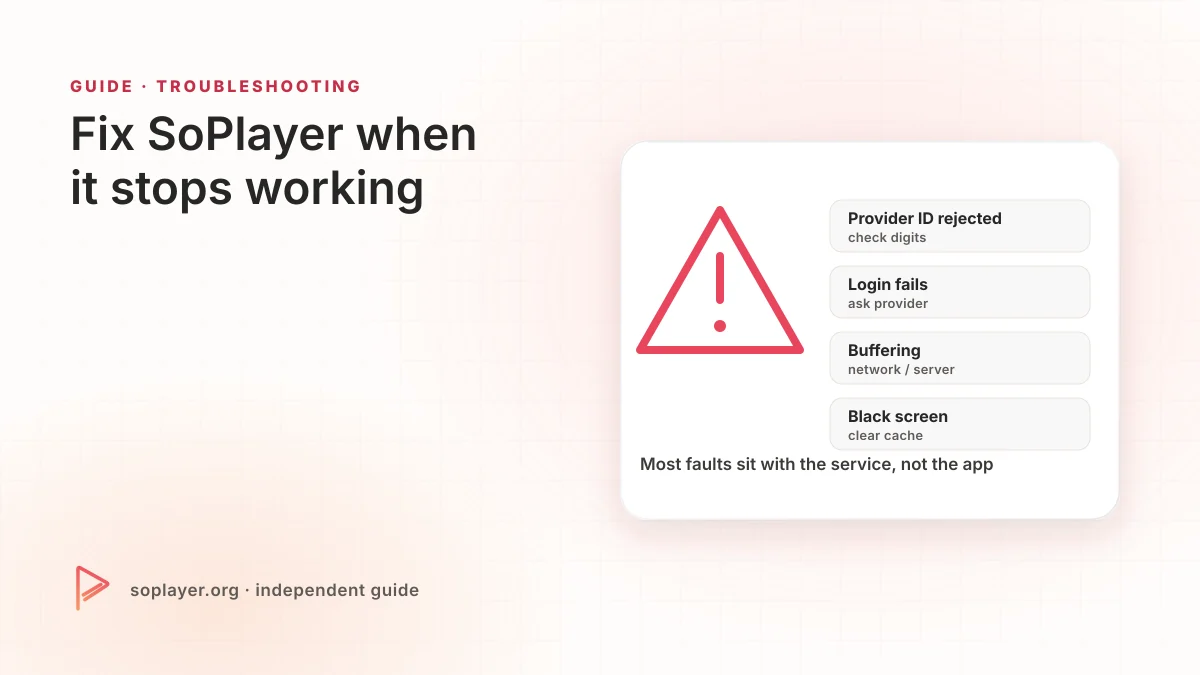
- Check each character before selecting Submit; a single wrong digit gives a rejected ID.
Ready to install? The APK link, version details and a safety note are in one place on the homepage.
Download Now